

Current CTLS status updates can be found here.
Cobb Schools Announces New CTLS Technical Support
Parents can submit their technical support questions using the contact information below and can also submit feature suggestions for the platform through the email address and phone numbers provided below.
Parent Support:
Email: Parent.Support@cobbk12.org
Phone: 770-426-3330
TIP: Receive much faster email support by including all of the following information:
Student name and ID number
A full screen (uncropped) screen shot of the error (instructions)
If you are NOT able to include a screen shot, be sure to also include:
Type of device (computer, tablet, phone)
Operating system
Browser and version
Full URL where the error occurred
Exact error messages encountered and other text on the screen
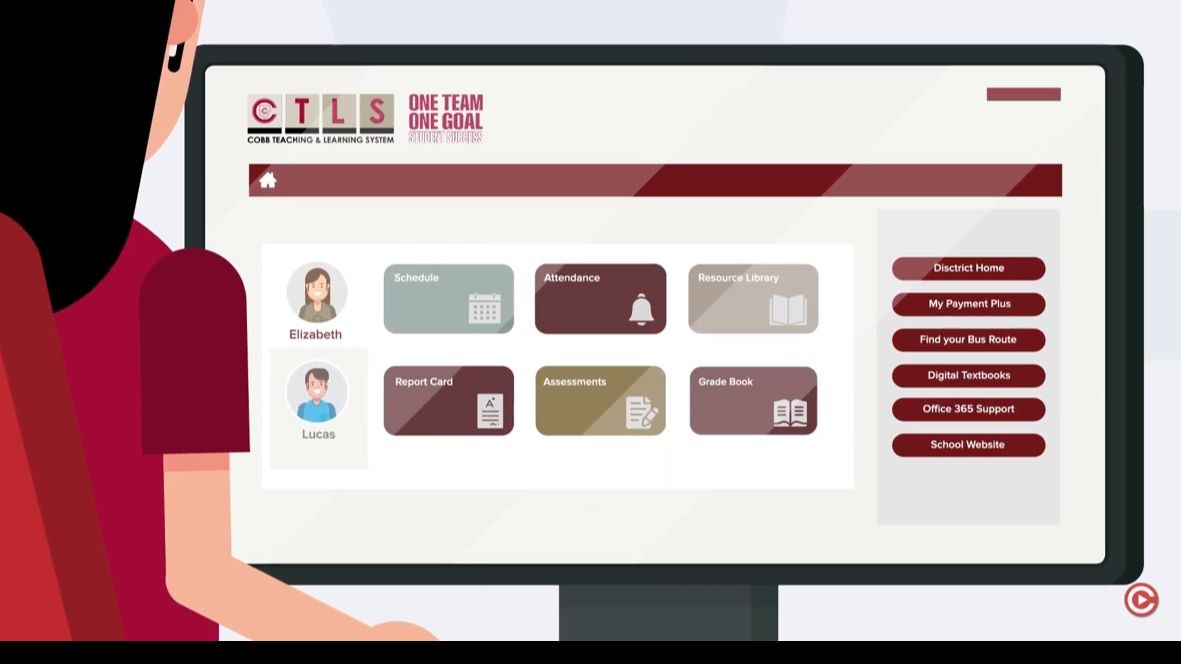
Welcome to CTLS! Below are some documents that will assist you in using this new resource.
CTLS Learn Technical Requirements.pdf
Setting Up A Learning Environment At Home.pdf
Student Login to CTLS Learn with Microsoft Office 365.pdf
How Students Log in and Install Office 365 Apps from Home.pdf
CTLS Learn Sign-in Troubleshooting.pdf