



Student Support
Getting Started
Use this page to learn about accessing CTLS and completing the CVA Student Onboarding. We strongly recommend using your CCSD-issued student laptop for all of your coursework. These devices are set up to work with the systems and tools you'll use in your classes.
You can find more information, including tips and tricks to get the most out of your student laptop, by visiting the Cobb County School District (CCSD) Student Laptop Program.
Using the right computer will make it much easier to complete assignments, access course materials, and stay successful in your online classes.
CTLS Learn
CTLS Login Directions
Go to https://ctlslearn.cobbk12.org. CTLS works best on a laptop or computer. You might be wondering if you can use a personal computer instead. In many cases, that will probably work, but mobile devices are not recommended for completing your coursework. Many assignments, tools, and learning activities simply don't work well on phones or smaller devices.
Username Your CCSD Microsoft 365 Username | Password Your CCSD Microsoft 365 Password |
Need additional help logging in to CTLS? Visit CTLS Learn Student Support.
Start Here
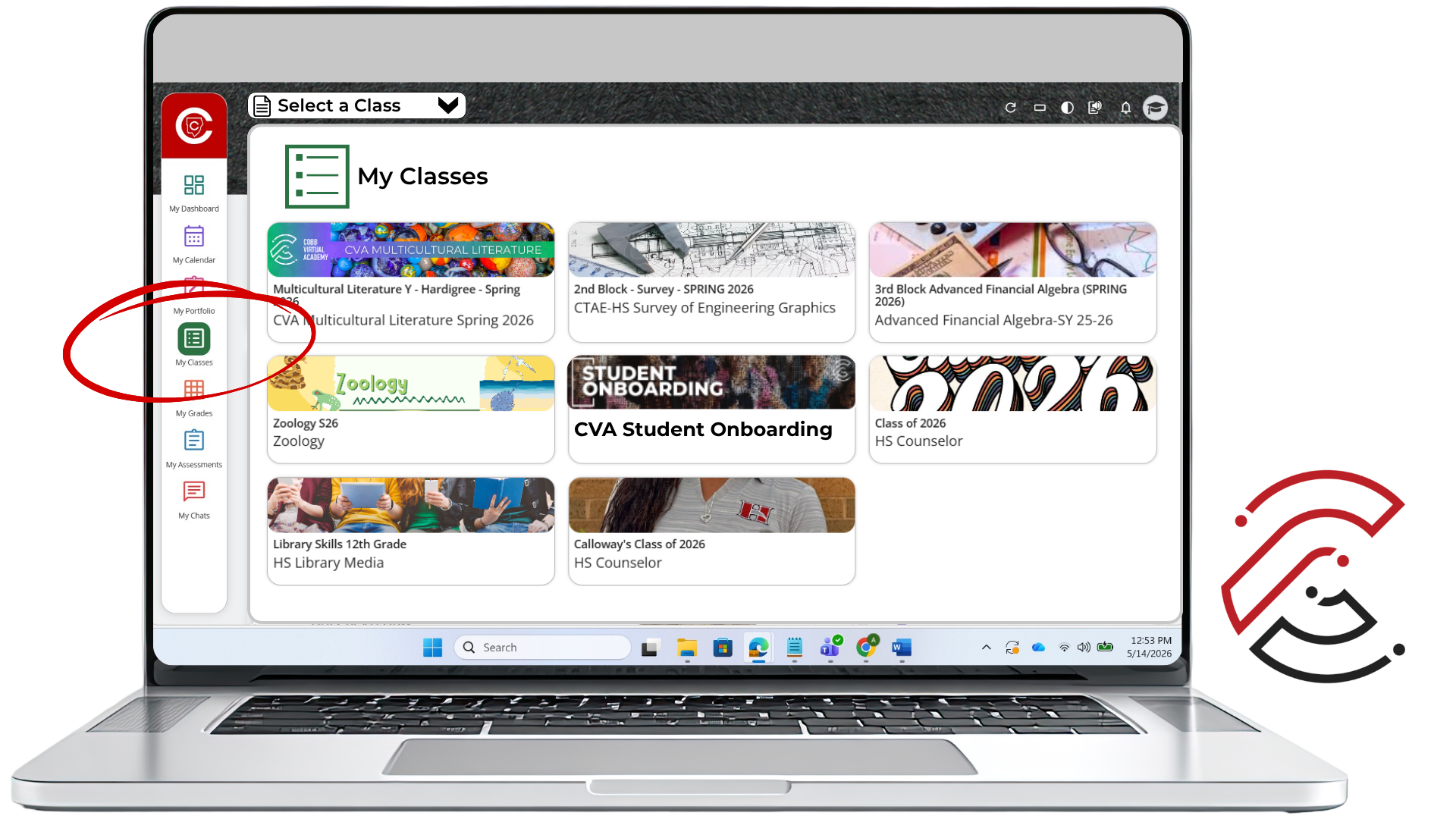
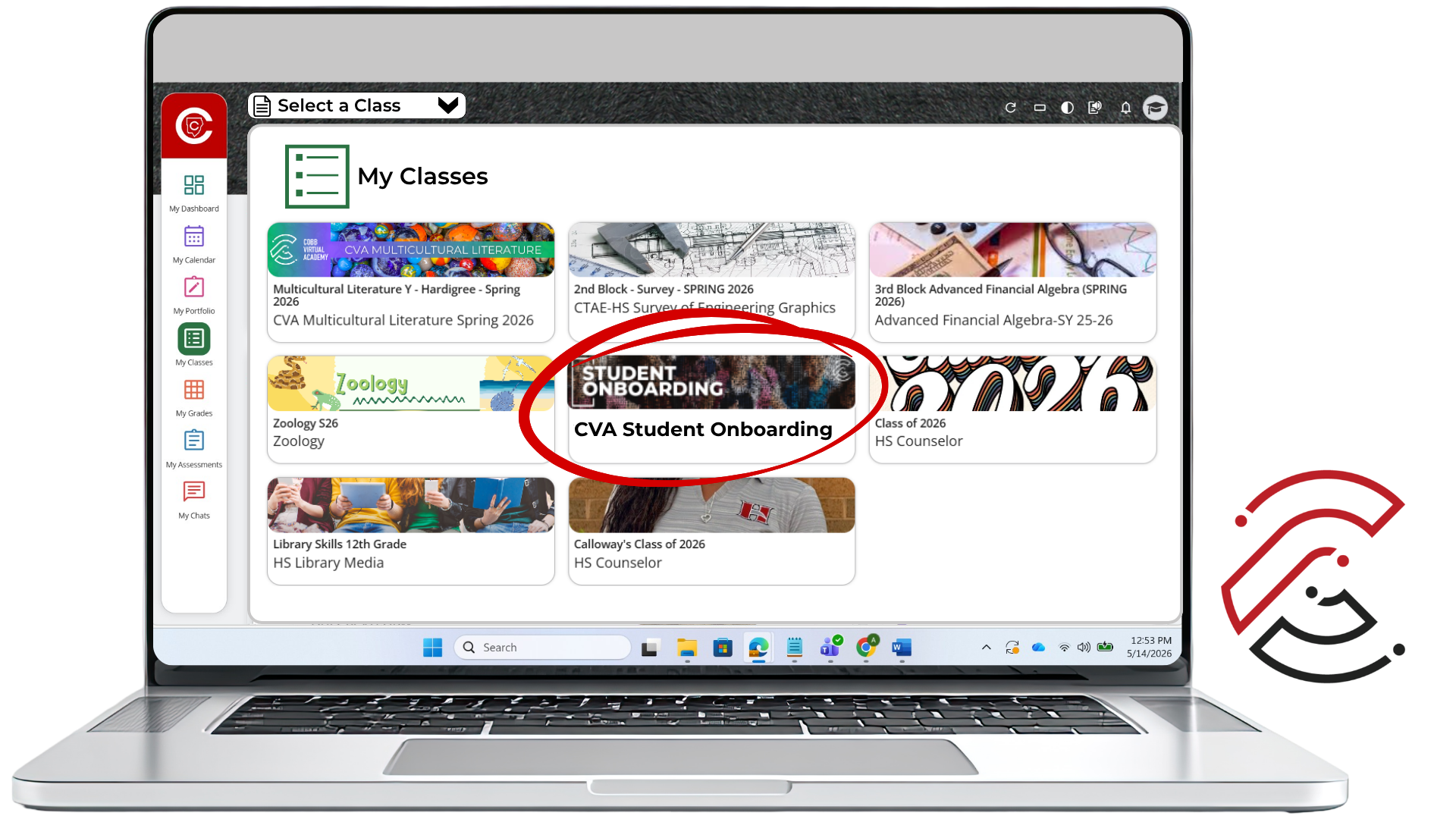
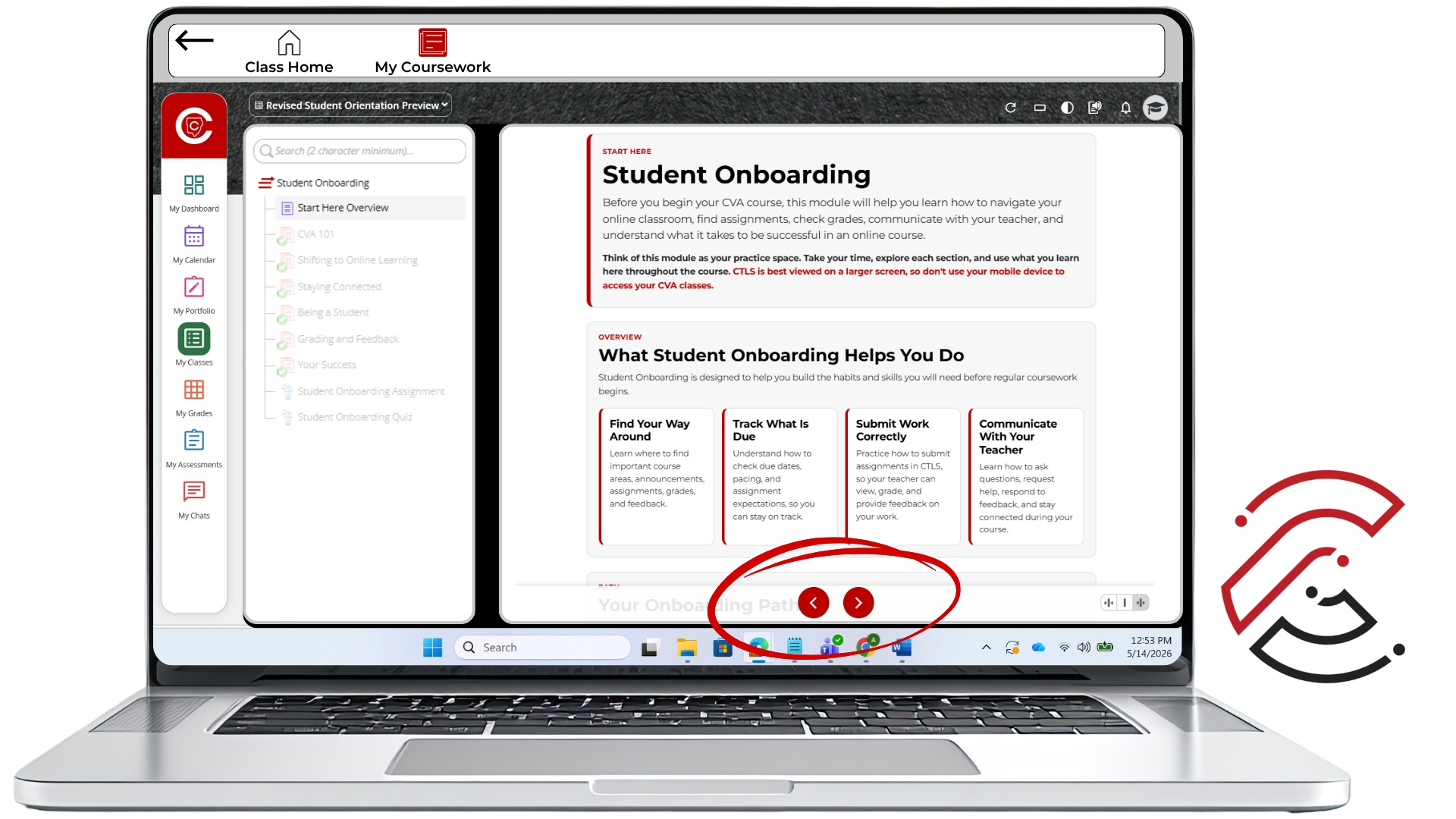
How to Access Student Onboarding
Follow these steps to open your CVA class and move through the Student Onboarding pages in the correct order.

Class. Virtually. Anywhere.
